AI Art Projects Kids Actually Love
Creative AI art activities for kids ages 5-14. Use AI image generators and chatbots to make posters, characters, book covers, and more, together.

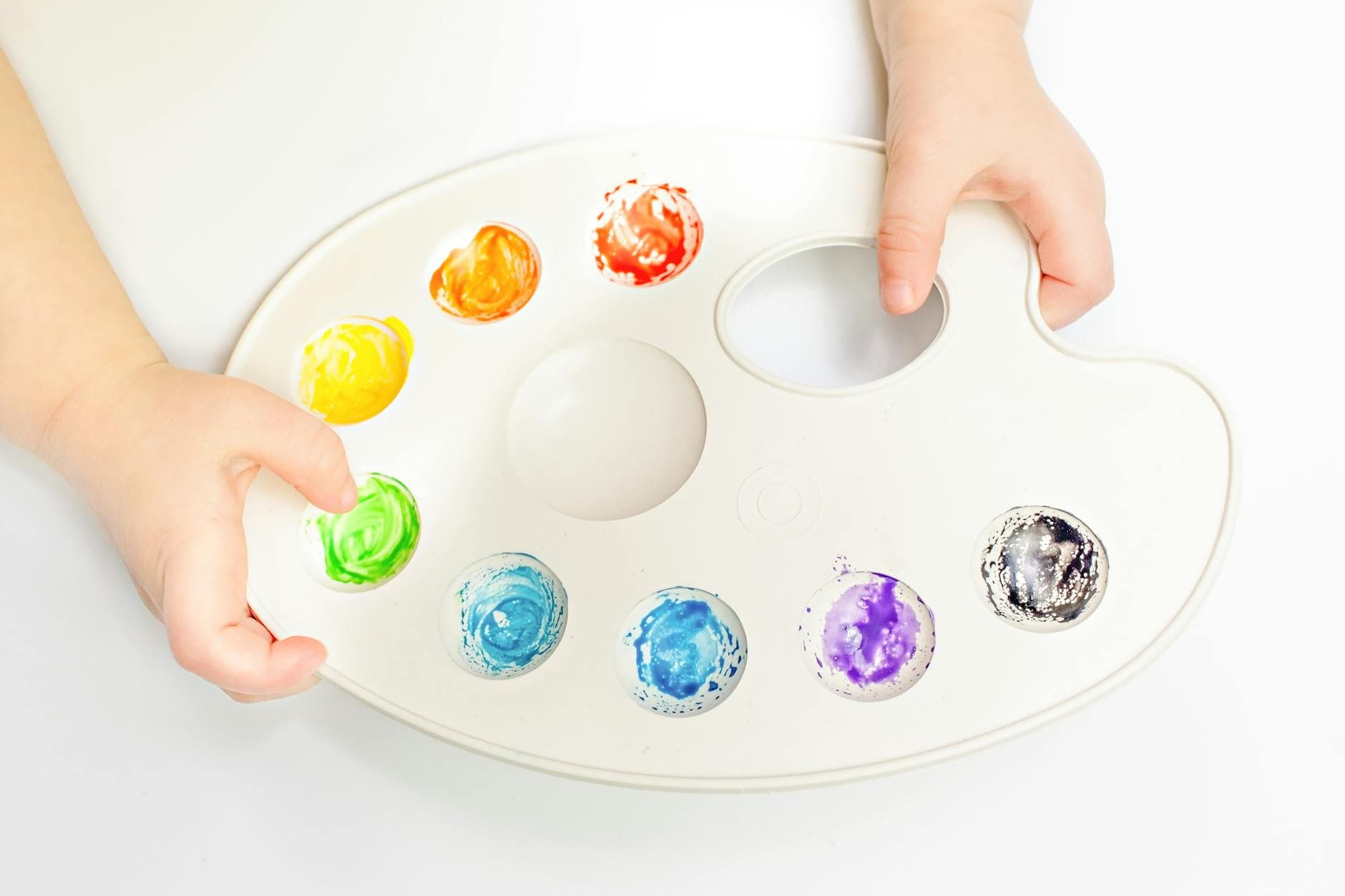
AI image generators are some of the most immediately exciting AI tools for kids. Type a description, and a picture appears in seconds. For a child, this feels like magic. For a parent, it's an opportunity: every image generated is a lesson in clear communication, creative direction, and critical evaluation. The kid describes what they want. AI interprets it. They evaluate the gap between vision and result. Then they refine and try again.
These projects work with any AI tool that generates images: DALL-E (inside ChatGPT), Midjourney, Adobe Firefly, or whatever you have access to.
Project 1: Design a Book Cover
Your kid invents a book. They come up with the title, the genre, and a one-paragraph summary. Then they use AI to generate the cover art.
How to do it:
- Your kid decides on a book concept. "A mystery about a detective cat who solves crimes in a library." "A sci-fi story about kids who discover a portal on the playground."
- They write a detailed prompt for the cover art. This is where the 5 W's translate to visual work: What's in the image? What's the mood? What colors? What style?
- Generate the image. Evaluate it together. "Does this look like the book you imagined? What would you change?"
- Refine the prompt 2-3 times. Get closer to their vision with each iteration.
- Add the title and author name (their name!) in a drawing app or just by writing on a printout.
What they learn: Visual communication is harder than it looks. Describing an image precisely enough for AI to create what you're imagining requires the same clarity as writing a good prompt for text-based AI. Kids quickly discover that "a cool book cover" produces nothing useful, but "a watercolor illustration of an orange tabby cat wearing a detective hat, standing in a library with tall bookshelves, moody blue lighting, vintage mystery novel style" produces something close to what they want.
Project 2: Create a Character
Your kid designs an original character from scratch (a superhero, a fantasy creature, a video game character, an animal with a job) and uses AI to bring it to life visually.
How to do it:
- Start on paper. Your kid draws (even a rough sketch) or describes their character. What do they look like? What do they wear? What's their personality? What's their special ability or role?
- Translate the description into an AI image prompt. Younger kids dictate; older kids write it themselves.
- Generate the image. Compare it to their original sketch or description.
- Iterate. "Make the cape longer." "The eyes should be green, not blue." "Make it look more friendly and less scary."
- Generate the character in different situations: fighting a villain, eating breakfast, hanging out with friends.
What they learn: AI interprets words literally and sometimes strangely. A "tall character with long arms" might produce something nightmarish. Kids learn to be precise about what they want and to troubleshoot when AI misinterprets their intent. They also learn that AI art is a starting point, not a finished product. Human direction makes it better.
For younger kids: They draw the character, you help write the prompt, and you compare the AI version to their drawing together. Kids are fascinated by the differences.
Project 3: Travel Poster Series
Your kid picks three real or fictional destinations and creates vintage-style travel posters for each one using AI.
How to do it:
- Choose three destinations. Mix real and imagined: "Mars," "Tokyo," "The Land of Talking Trees."
- For each destination, your kid writes an image prompt that specifies the art style (vintage travel poster, bold colors, retro font style), the key landmark or feature, and the mood.
- Generate the posters. Evaluate each one: Does it make you want to visit? What's the most eye-catching element? What would you change?
- Refine until each poster feels like something you'd hang on a wall.
- Print all three and create a gallery wall in your kid's room or on the fridge.
What they learn: Art direction. The kid isn't just generating random images. They're making deliberate creative choices about style, composition, color, and mood. This is the same skill graphic designers use, simplified for a kitchen table.
Project 4: AI vs. Your Kid Art Battle
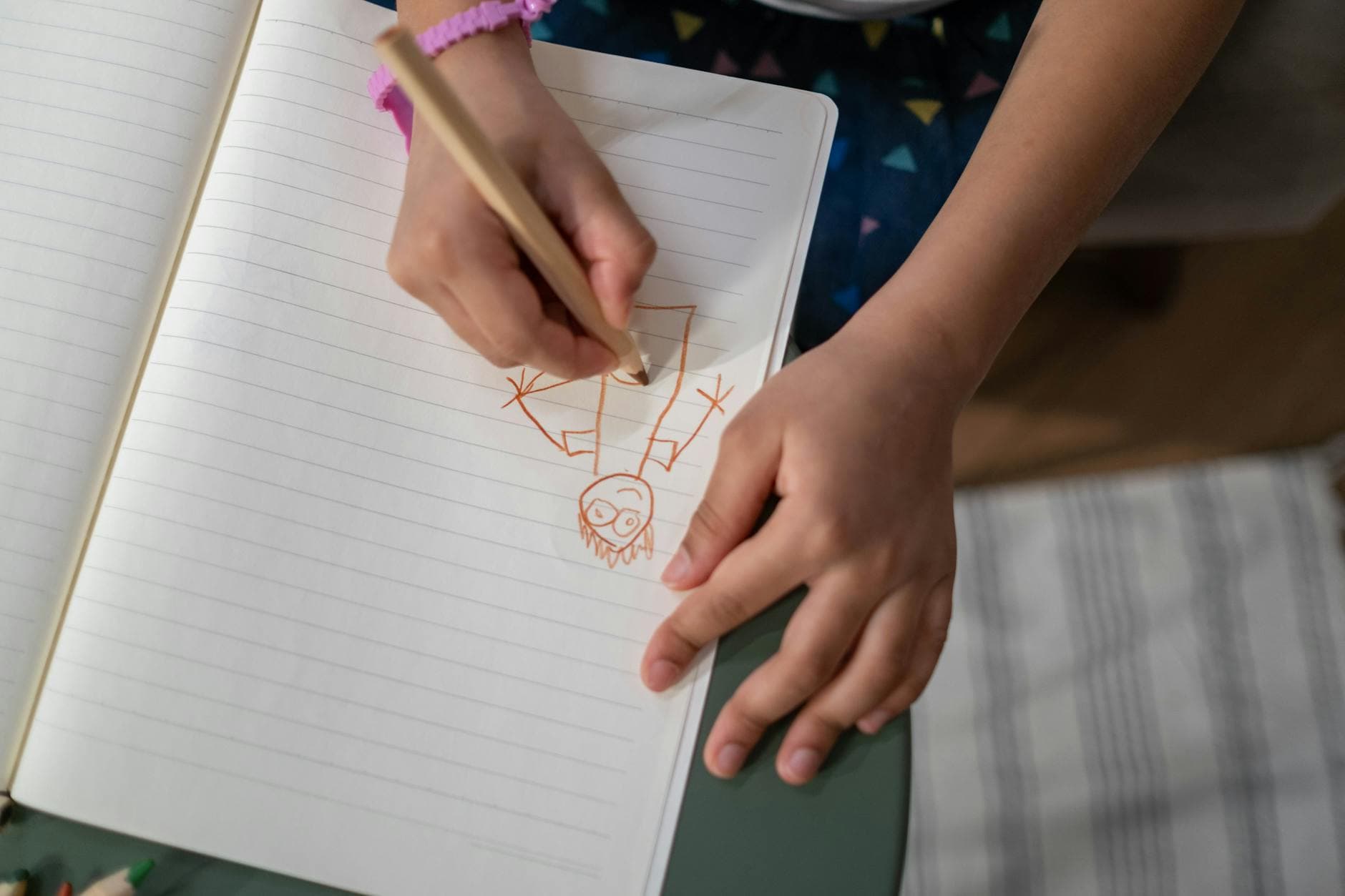
Pick a subject: a dragon, a house, a spaceship, a pet. Your kid draws it by hand. AI generates its version from a prompt. Compare the two.
How to do it:
- Agree on a subject together.
- Your kid draws it on paper. Give them 10 minutes. No peeking at AI's version.
- While they draw (or after), write a prompt and generate an AI version.
- Put them side by side. Discuss: Which one is more interesting? Which one tells a better story? Which one has more personality?
What they learn: AI can produce technically impressive images, but it doesn't have a personal style, a sense of humor, or a story to tell. Your kid's drawing, even if it's technically rougher, often has more character, more soul, and more of them in it. This is a powerful lesson about what makes human creativity different from machine output.
Important: Frame this as a comparison, not a competition. Both creations have value. The point is noticing what each one brings to the table.
Project 5: Comic Strip
Your kid creates a short comic strip using AI-generated images and their own dialogue.
How to do it:
- Plan the story. Three to six panels is enough. Your kid outlines what happens in each panel: who's in it, what they're doing, what they're saying.
- Generate an image for each panel using AI. The challenge: keeping characters consistent across panels (this is hard for AI, which becomes a learning moment about AI's limitations).
- Arrange the images in order. Add speech bubbles and dialogue, handwritten on a printout or digitally if they have the tools.
- Read the finished comic together.
What they learn: Sequential storytelling, visual consistency, and the current limits of AI image generation. AI is great at single images but struggles with consistency across a series. Your kid will notice that the character looks different in each panel, which opens a real conversation about what AI can and can't do right now.
Tips for AI Art With Kids
Start simple. For the first image, use a short, clear prompt. Let your kid see how AI interprets basic instructions before adding complexity.
Iterate, iterate, iterate. The first image is never the final one. The real learning is in the revision process: what would you change? How do you describe it differently? Each revision sharpens their ability to communicate visually.
Print the results. AI art on a screen is forgettable. AI art printed and hanging on the fridge or bedroom wall is a source of pride. If your kid made it, make it visible.
Talk about AI art ethics. For older kids, this is a great opportunity to discuss: Is AI-generated art "real" art? Who created it, the kid who wrote the prompt or the AI? Should AI art be allowed in school art classes? These questions don't have easy answers, which makes them great for discussion.
Combine AI art with hands-on art. The best AI art activities aren't purely digital. Print the AI output and let your kid draw on top of it, collage it, or use it as a starting point for their own physical creation.
Keep Creating
AI art is a gateway for many kids. It's the thing that makes AI feel exciting and personal. From here, they're often ready for other creative AI activities: story writing, game design, video scripting, and more.
Big Thinkers has creative AI activities that combine art, writing, and planning into projects your kid can share and build on. Explore the activities.
A complete guide to AI activities for kids ages 5-14. Real projects, real skills, done together at the kitchen table. No tech background needed.