AI for Kids: The Complete Parent's Guide
Everything parents need to know about AI education for kids. What to teach, how to start, and hands-on activities you can do together this week.


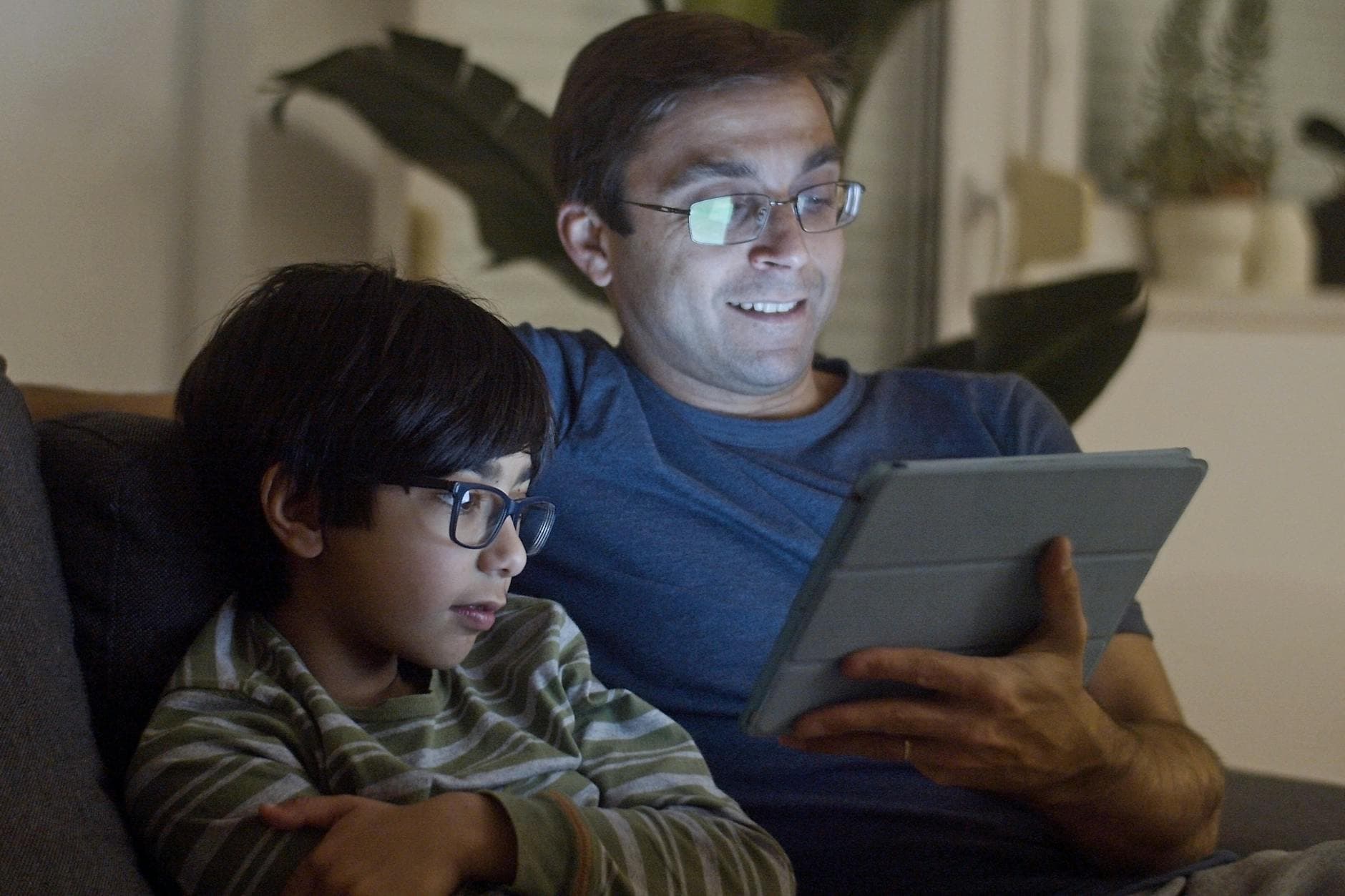
AI for kids doesn't have to be complicated. At its simplest, teaching your child about artificial intelligence means sitting down together, trying a tool, asking questions, and talking about what happens. You don't need a computer science degree. You don't need to understand how neural networks work. You just need curiosity and about 30 minutes.
This guide covers everything you need to get started: what AI actually is (in terms your kid will understand), what they should learn about it, how to make it hands-on, and how to keep it safe. Whether your child is 5 or 14, whether you're tech-savvy or just figuring this out yourself, this is your starting point.
What Is AI? (The Explanation That Actually Works With Kids)
Here's how to explain AI to a child without their eyes glazing over.
AI is a computer program that learns from examples. That's it. You show it thousands of pictures of cats, and eventually it can recognize a cat in a new picture it's never seen before. You feed it millions of sentences, and eventually it can write sentences of its own.
For younger kids (ages 5-7), try this: "AI is like a really smart helper that lives inside a computer. It learned from reading millions of books and looking at millions of pictures. You can ask it questions and it tries to give you a good answer, but it doesn't always get it right."
For older kids (ages 8-14), you can go further: "AI is a program that finds patterns in huge amounts of data. When you type something into ChatGPT, it's predicting the next word based on patterns it learned from reading basically the entire internet. It's not thinking the way you think. It's doing really sophisticated pattern matching."
The key in both cases: AI is a tool, not a brain. It doesn't understand anything. It doesn't have feelings or opinions. It's very good at certain tasks and very bad at others. And it makes mistakes, sometimes confidently wrong ones.
If you want a deeper dive on age-appropriate ways to have this conversation, read our guide on how to explain AI to your child at any age.
Why Kids Need to Learn About AI Now
AI isn't a future technology. It's in the apps your kids already use, the search results they already read, the recommendations they already see on YouTube. The question isn't whether your kids will interact with AI. They already are. The question is whether they'll understand what's happening.
Here's what's at stake:
Kids who understand AI ask better questions. They don't just accept the first answer a chatbot gives them. They learn to evaluate, push back, and think critically about what a machine tells them. That's a skill that transfers to everything, not just technology.
Kids who use AI as a tool build things. They plan trips, write stories, make art, debug problems, brainstorm ideas. Instead of being passive consumers of AI-generated content, they become active creators who happen to use AI to do more than they could alone.
Kids who don't learn about AI are at a disadvantage. Not because they'll fall behind in some imaginary tech race, but because they'll lack the vocabulary and critical thinking skills to navigate a world where AI is in everything. They won't know what to trust, what to question, or how to use these tools productively.
This doesn't mean your 6-year-old needs to take a machine learning course. It means that age-appropriate AI literacy (understanding what AI is, what it's good at, where it fails, and how to use it thoughtfully) is becoming as fundamental as learning to read a map or think through a math problem.
For a breakdown of what's worth teaching at each stage, see what kids should learn about AI before high school.
What Kids Should Actually Learn About AI
Forget the buzzwords. Here's what matters, broken down by what kids can absorb at different ages.
Ages 5-7: The Basics
At this age, the goal is awareness and wonder, not technical depth.
- AI is a tool people built. It's not magic and it's not alive. Someone wrote the code and chose the data it learned from.
- AI can be wrong. This is huge. Young kids tend to trust computers implicitly. Teaching them early that AI makes mistakes (and that checking its work is part of using it) builds a healthy skepticism.
- You can talk to AI. Simple interactions with a voice assistant or chatbot make AI tangible. Ask it a question together. See what it says. Talk about whether the answer is good.
Ages 8-10: Using AI Intentionally
Now kids can start doing things with AI, not just observing it.
- Good instructions get better results. This is prompt literacy. When you ask AI a vague question, you get a vague answer. When you're specific, you get something useful. This is the core skill Big Thinkers activities teach.
- AI has limits. It can't tell you what happened yesterday (unless it was trained on it). It makes up facts sometimes. It doesn't know your family or your preferences unless you tell it. Understanding these limits makes kids better users.
- AI is built by humans with choices. The data it trained on, the rules it follows, the things it won't say: those are all decisions someone made. This is the beginning of understanding bias and design.
Ages 11-14: Thinking Critically About AI
Older kids are ready for nuance.
- How AI actually works (simplified). Pattern recognition, training data, probability. You don't need to teach calculus. Just the basic idea that AI predicts based on patterns.
- AI ethics and responsibility. Who's responsible when AI gets something wrong? Should AI be used for school assignments? What about art? These are real conversations your teen is already having with friends.
- Creating with AI. Using AI as a creative partner: writing, art, music, coding, planning. The goal shifts from "learn about AI" to "make things with AI that you couldn't make alone."
How to Teach AI to Your Kids (The Practical Part)
Here's the good news: you don't need a curriculum, a lesson plan, or a teaching certificate. You need an AI tool, a kitchen table, and the willingness to figure it out alongside your kid.
Step 1: Pick an AI Tool
Any conversational AI tool works. ChatGPT, Google Gemini, Claude, Microsoft Copilot. They all do roughly the same thing for the purposes of learning. Pick whichever one you already have access to, or whichever has the best parental controls for your comfort level.
For our full safety-first breakdown of which tools work best at which ages, see best AI tools for kids.
Step 2: Start With a Fun Project, Not a Lesson
Kids don't want a lecture about artificial intelligence. They want to do something cool. The trick is to pick an activity where AI is the tool, not the subject.
Here are five activities that work at the kitchen table:
- Plan a dream vacation. Your kid picks the destination, then uses AI to build a full itinerary: flights, hotels, activities, restaurants, budget. This is the exact activity in our Trip Planner lesson, and it's one of the most popular activities at Big Thinkers.
- Write a short story together. Take turns adding to a story with AI. Your kid writes a paragraph, asks AI to write the next one, then edits what AI produces.
- Design a menu for a restaurant. Your kid invents a restaurant concept and uses AI to create the full menu, pricing, and descriptions.
- Build a quiz. Have AI generate a trivia quiz on a topic your kid loves, then have your kid fact-check every answer.
- Create a travel poster. Use an AI image generator to create a poster for a real or fictional destination, then critique and refine the results.
For more ideas broken down by age, see our full guide to hands-on AI activities for kids.
Step 3: Ask Questions While You Work
The learning isn't in the AI output. It's in the conversation around it. While your kid is using AI, ask questions like:
- "Do you think that answer is right? How would we check?"
- "What would happen if we changed the prompt? Let's try it."
- "Why do you think AI suggested that? What would you have said instead?"
- "What did AI get wrong here? What would you fix?"
These questions turn a fun activity into a genuine learning experience. Your kid practices critical thinking, prompt iteration, and fact-checking, all without it feeling like school.
Step 4: Make It a Regular Thing
One session is fun. Regular sessions build real skills. Even 30 minutes once a week adds up fast. Your kid gets better at prompting, more skeptical of AI output, and more creative with how they use the tool.
This is exactly what Big Thinkers is built for. Every month, new activities land that you and your kid work through together. Each one teaches a different AI skill through a project your kid actually wants to do. See what's inside.
Keeping Kids Safe With AI
Safety is the first question most parents ask, and it should be. AI tools are powerful, and kids need guardrails.
Here's the short version: AI is safe for kids when an adult is involved, the right boundaries are set, and kids understand the limits.
The Main Risks
- Inaccurate information. AI makes things up. It presents false information with total confidence. Kids need to know this and practice checking AI's work against real sources.
- Inappropriate content. Most major AI tools have content filters, but they're not perfect. Younger kids should use AI with a parent present. Older kids should understand that AI might produce content that's wrong, biased, or inappropriate, and they should know what to do when that happens.
- Over-reliance. The biggest long-term risk isn't safety; it's dependency. If kids use AI to do their thinking for them instead of using it as a tool to think better, they miss the point. The fix: always pair AI use with questions, discussion, and human judgment.
- Privacy. Don't let kids put personal information (full names, addresses, school names, photos of themselves) into AI tools. Teach this early and reinforce it often.
What You Can Do
- Use AI together, especially for kids under 10. Sit with them. Watch what they type and what comes back.
- Set clear family rules. What AI tools can they use? When? For what? Our Family AI Rules template gives you a starting point you can customize tonight.
- Teach fact-checking as a habit. Every time AI gives an answer, ask: "Is that true? How do we know?" Make it a game, not a chore.
- Review privacy settings on whatever AI tool your family uses. Turn on parental controls if they're available.
For the full guide, read Keeping Kids Safe with AI.
The "Screen Time" Question
This is the objection we hear most: "Isn't this just more screen time?"
Fair question. Here's why it's different.
Passive screen time (scrolling, watching, consuming) is the thing most parents worry about. And they're right to worry about it. But using AI as a creative tool is active, not passive. Your kid is writing prompts, reading critically, making decisions, iterating, and producing something. It's closer to building with LEGO than watching TV.
The key difference is what your kid's brain is doing. When they scroll TikTok, their brain is in consumption mode. When they use AI to plan a trip, write a story, or design a project, their brain is in creation mode. They're problem-solving, thinking critically, and making choices.
And when you're doing it together (which is the entire Big Thinkers model), it's a conversation. You're building something side by side, talking through decisions, and learning from each other. That's not screen time. That's quality time that happens to involve a screen.
For a deeper look at this distinction, read AI vs. Screen Time: Why Hands-On AI Activities Are Different.
How Big Thinkers Fits In
Big Thinkers exists to make all of this easy for you. Instead of figuring out what to teach, which tools to use, and how to structure an activity, you pick a lesson and sit down with your kid.
Every Big Thinkers activity:
- Takes 30-60 minutes. No multi-week commitments. Pick one and do it this weekend.
- Includes everything you need. Parent prep checklist, step-by-step guide, discussion questions, and extension challenges. Nothing to plan.
- Teaches a real AI skill. Prompting, fact-checking, iteration, creative use of AI tools. Each activity focuses on a specific skill through a specific project.
- Leaves your kid with something to show for it. An itinerary, a story, a poster, a quiz, a plan. Every activity has an artifact your kid can keep, share, or build on.
- Is designed for you to do together. This isn't an app you hand to your kid. It's an experience you share.
We have 20+ activities and add new ones regularly. Try one free and see how it works with your family.
Frequently Asked Questions
Do I need to know anything about AI to teach my kids?
No. That's the whole point. Big Thinkers activities walk both of you through it step by step. You'll learn alongside your child, and that's actually the best way to do it. Kids learn more when they see adults learning too.
What age should kids start learning about AI?
Kids as young as 5 can start with simple interactions like asking a voice assistant questions and talking about what AI is and isn't. By age 8, most kids are ready for structured activities like the ones at Big Thinkers. By 11-12, they can start thinking critically about how AI works, its limitations, and its ethical implications.
Is AI safe for my child?
With the right guardrails, yes. Use AI together with younger kids, set clear family rules about what's allowed, and teach fact-checking as a habit. See our complete safety guide for specifics.
What AI tools should my family use?
Any major conversational AI tool works: ChatGPT, Gemini, Claude, Copilot. For younger kids, look for tools with parental controls. For Big Thinkers activities, any of these tools will work. We don't require a specific one.
How much time does this take?
Most Big Thinkers activities take 30-60 minutes. You can do one per week, one per month, or whenever it fits. Even occasional sessions build real skills over time.
What if my kid already uses AI for school?
Great. They have a head start. But using AI for homework and understanding AI are very different things. Big Thinkers activities teach the skills behind the tool: how to prompt well, how to evaluate output, how to think critically about what AI produces. These skills make their school use of AI better too.
Can I do this with more than one kid?
Absolutely. Most activities work great with siblings of different ages. Younger kids handle the creative parts (picking destinations, choosing themes) while older kids handle the technical parts (writing prompts, evaluating responses). It becomes a team activity.
What to Do Next
You've read the guide. You understand why AI education matters, what to teach, and how to keep it safe. Now the only thing left is to try it.
Here are three ways to start this week:
- Pick one of the five activities listed above and try it at the kitchen table tonight. All you need is an AI tool and 30 minutes.
- Set up your family's AI rules using our free template. It takes 10 minutes and gives everyone clear boundaries.
- Try a Big Thinkers activity. Our Trip Planner lesson is a great first one. Your kid uses AI to plan a dream vacation, and it teaches prompting, critical thinking, and iteration all in one session. Start here.
You don't need to be an expert. You just need to start.
Written by Will, founder of Big Thinkers. Last updated April 2026.
This is the main guide in our AI for Kids series. Explore the related articles: How to Explain AI to Your Child | Is AI Safe for Kids? | What Kids Should Learn About AI | AI vs. Screen Time | Parent's AI Vocabulary Guide