
Hands-On AI Activities You Can Do With Your Kids
A complete guide to AI activities for kids ages 5-14. Real projects, real skills, done together at the kitchen table. No tech background needed.

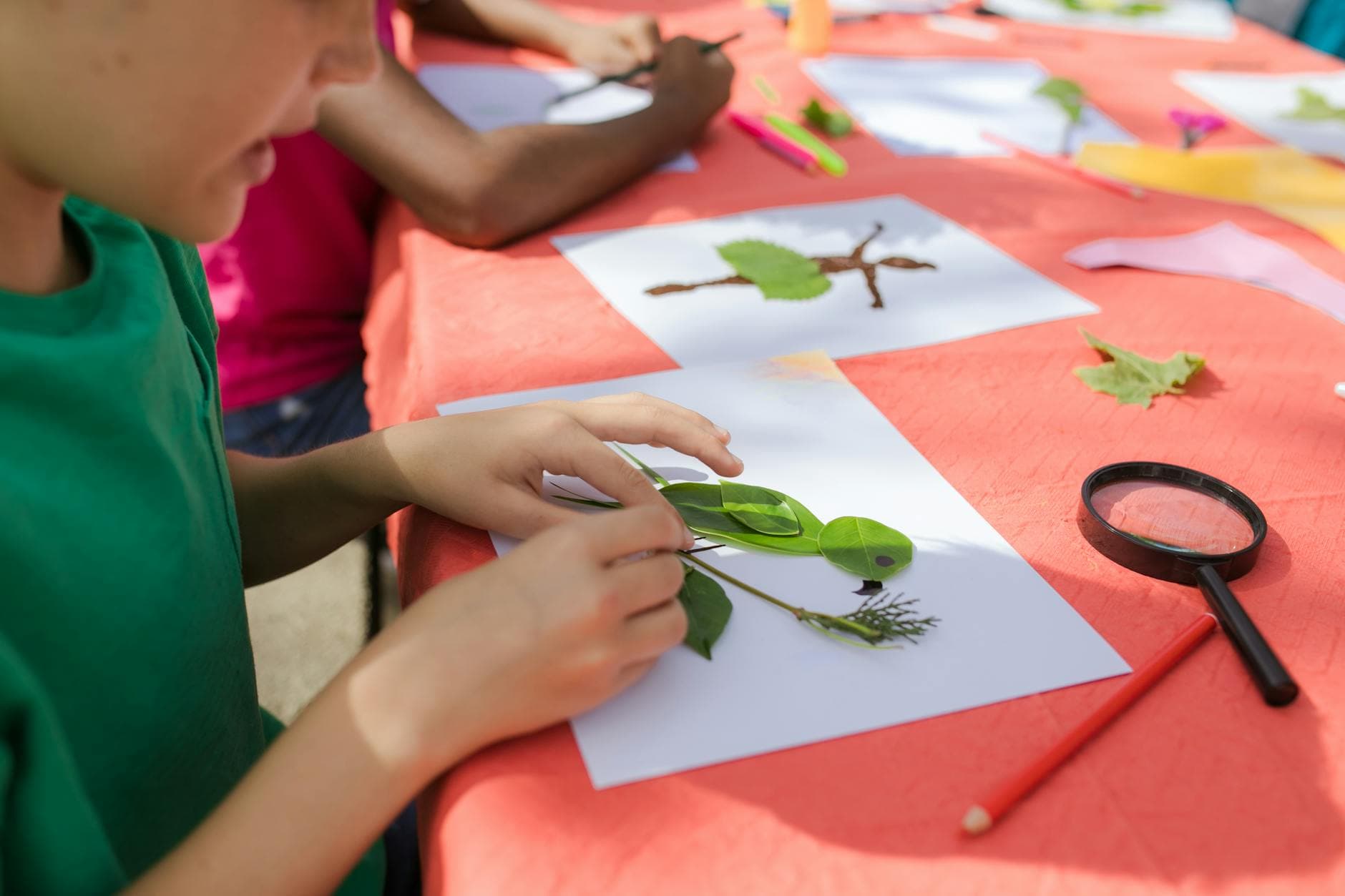
AI activities for kids work best when they feel like fun, not homework. The best ones involve a real project (not a worksheet), teach a real skill (not just trivia about AI), and are done together (not handed to a kid and forgotten). This guide covers everything you need to start doing AI activities with your family: what makes a good one, how to set it up, activities organized by age and skill, and how to get more out of every session.
What Makes a Good AI Activity
Not all AI activities are created equal. A good one has four things:
1. A real project with a tangible result. Your kid should walk away with something: a trip plan, a story, a menu, a poster, a quiz. Having an artifact makes the experience memorable and gives them something to share and be proud of.
2. The kid is in charge. AI is the assistant, not the teacher. Your child makes the decisions: what to create, how to prompt, whether the output is good enough. AI provides raw material. The kid provides direction, judgment, and editing.
3. It teaches a skill invisibly. The best activities don't announce "today we're learning about prompt engineering." They put kids in a situation where good prompts produce good results and bad prompts don't. The learning happens through doing.
4. A parent is involved. Not hovering. Not lecturing. Participating. Asking questions. Adding ideas. Reacting to what AI produces. The shared experience is where most of the learning and all of the connection happens.
Activities by Age
Ages 5-7: Explore and Wonder
Young kids aren't ready to write their own prompts, but they're absolutely ready to direct AI and react to what it produces. A parent handles the typing; the child provides the ideas and opinions.
Ask AI Silly Questions Give your kid the wheel. Let them ask AI anything: "What would happen if dogs could fly?" "What's the weirdest animal in the ocean?" "Can you write a song about broccoli?" Read the answers together and talk about them. Was that a good answer? Was it funny? Was any of it wrong? This is low-stakes AI interaction that builds comfort and curiosity.
Story Starter Your kid gives AI a character and a setting. "A brave penguin who lives on a volcano." AI writes the first paragraph. Your kid decides what happens next. You keep going back and forth. At the end, you have a short story your kid co-created. Print it out and read it at bedtime.
Animal Expert Pick your kid's favorite animal. Ask AI to be an "animal expert" and answer questions about it. Let your kid ask whatever they want. Then pull out a book or kid-friendly website and fact-check together. Did AI get it right? Kids love catching AI being wrong.
Ages 8-10: Build and Evaluate
This is the sweet spot for structured AI activities. Kids can write their own prompts (with coaching), evaluate output critically, and produce real work.
Dream Vacation Planner The flagship Big Thinkers activity. Your kid picks a destination and uses AI to plan the entire trip: flights, hotels, daily itineraries, restaurants, activities, and budget. Along the way, they learn the 5 W's prompting framework and practice evaluating AI suggestions against real-world constraints. Full lesson here.
Restaurant Designer Your kid invents a restaurant concept and uses AI to build it out: name, theme, full menu with prices and descriptions, decor, uniforms, and a fake Yelp review. This teaches creative direction. They learn that AI produces better work when they give it a clear vision.
Fact-Check Challenge Pick a topic. Ask AI for 10 facts about it. Your kid's mission: figure out which facts are true and which ones AI made up. Verify each one with a second source. Keep score. This is the best activity for building healthy skepticism about AI output.
Family Trivia Night Your kid uses AI to create a full trivia quiz: categories, questions, multiple choice answers, point values. But first, they have to fact-check every question AI generates. Then they host game night. The whole family plays their quiz.
Ages 11-14: Create and Think Critically
Older kids are ready for more sophisticated projects and deeper conversations about what AI gets right and wrong.
AI Art Director Your kid uses an AI image generator with a specific creative vision. They write detailed prompts to create a series of images (album covers, book illustrations, travel posters, character designs) then critique and refine the results. What did AI interpret correctly? What did it miss? How do you get closer to your vision?
Debate Coach Pick a topic your kid cares about. Ask AI to argue one side, then the other. Your kid reads both arguments and identifies the strengths, weaknesses, and logical fallacies in each. Then they write their own position. This is critical thinking training disguised as a fun exercise.
Code a Simple Project AI is excellent at helping beginners code. Your kid picks a project (a simple game, a calculator, a to-do app, a quiz) and uses AI to help write the code. The key: they have to understand what the code does, not just copy it. Ask: "Can you explain this line to me?"
AI Ethics Roundtable Present a scenario: "A school uses AI to grade essays. A student gets a lower grade because the AI was biased against their writing style. Is that fair? Who's responsible?" Let your kid think through it, argue their position, and consider other perspectives. These discussions build the ethical reasoning skills that will matter for their entire relationship with technology.
How to Get More Out of Every Activity
Before You Start
- Skim the activity first. Know what's coming so you can facilitate, not fumble. Five minutes of prep makes a huge difference.
- Set up the environment. Clear the table. Close other tabs. Get paper and pens out. Making it feel intentional signals that this matters.
- Tell your kid what you're doing. "We're going to try something fun with AI today. You're in charge and I'm your backup." Setting expectations reduces friction.
During the Activity
- Ask more than you tell. "What do you think about that response?" "How would you change the prompt?" "Does that seem right to you?" Your questions are more valuable than your answers.
- Let them struggle a little. If their prompt produces a bad result, don't jump in with the fix. Ask: "Why do you think it gave you that? What would you change?" The struggle is where learning happens.
- Celebrate the artifact. When they finish, make a big deal of what they created. Print the trip plan. Read the story aloud. Play the trivia game at dinner. The artifact makes the experience stick.
After the Activity
- Ask one reflection question. "What was the most surprising thing AI said?" or "What would you do differently next time?" One question is enough. Don't turn it into a debrief.
- Share it. If your kid is proud of what they made, help them share it: with family members, with the Big Thinkers community, or even on the fridge. Public work matters more than private work.
- Do another one. One activity is fun. Regular activities build real, compounding skills. Even once a month adds up.
Setting Up for Success
Which AI Tool to Use
Any major conversational AI tool works: ChatGPT, Google Gemini, Claude, Microsoft Copilot. Pick whichever one you're comfortable with. For image-based activities, you'll want one with image generation capabilities.
For kids under 10, sit with them and use the tool together. For older kids, make sure you've reviewed the tool's safety settings and privacy options first.
How Much Time to Set Aside
Most good AI activities take 30-60 minutes. Shorter is fine for younger kids. Longer is fine if your kid is in the zone. The worst thing you can do is rush an activity that's going well just to stay on schedule.
What if It Goes Wrong
AI will produce weird, wrong, or occasionally inappropriate output. When it happens:
- Don't panic. It's a teaching moment, not a crisis.
- Talk about it. "That was a weird answer. Why do you think it said that?"
- Try again with a different prompt. Show your kid that AI is a tool you can redirect.
- If the output is genuinely inappropriate, close the conversation and talk about why that happened and what your family's AI rules say to do.
Keep Going
Big Thinkers has a growing library of 20+ activities, each one designed to teach a specific AI skill through a project your kid actually wants to do. Every activity includes parent prep notes, step-by-step instructions, discussion guides, and extension challenges. You don't need to plan anything. Just pick one and sit down together.
Browse activities at Big Thinkers
This is the main guide in our AI Activities series. Explore the related articles: 5 AI Activities for This Week | AI Prompting: The 5 W's Framework | AI Activities for Kids Under 8 | How to Plan a Family AI Night | AI Art Projects Kids Love | AI Activities That Teach Critical Thinking