Is AI Safe for Kids? What Every Parent Should Know
An honest look at AI safety for kids: the real risks, what to watch for, and practical steps to keep your child safe while using AI tools.

Yes, AI can be safe for kids, but it's not safe by default. Like giving a child access to the internet, the safety depends on which tools they use, what boundaries you set, and whether they understand the limits of what they're interacting with. The short answer: AI with parental involvement and clear rules is fine. AI unsupervised with no context is risky.
Here's what you actually need to know and what you can do about it.
The Real Risks (No Hype, No Panic)
Let's skip the fear-mongering headlines and look at what actually goes wrong when kids use AI without guidance.
1. AI Makes Things Up
This is the most common and least dramatic risk, but it's the one that affects your kid's learning the most. AI tools "hallucinate." That means they generate statements that sound completely confident but are factually wrong. They'll invent historical events, cite books that don't exist, and give math answers that are off by miles, all with the same tone they use for correct information.
Why this matters for kids: children tend to trust authoritative-sounding sources. If ChatGPT says something in a confident, well-structured paragraph, most kids will believe it. Without the habit of checking, they absorb misinformation.
The fix: Teach fact-checking as a routine, not a punishment. Every time AI gives an answer, the follow-up question is: "Is that actually true? How do we verify it?" Our guide on teaching kids to fact-check AI has practical exercises for this.
2. Inappropriate Content
Major AI tools have content filters, but they're imperfect. A clever prompt (or even an innocent one) can sometimes produce content that's violent, sexual, or otherwise not appropriate for children. Image generators can produce disturbing results. Chatbots can be steered into conversations you wouldn't want your 8-year-old reading.
The fix: For kids under 10, use AI together. You're there, you see what's happening, and you can redirect if needed. For older kids, have a clear conversation about what to do if AI produces something weird or uncomfortable: close the window, tell you about it, no one's in trouble. Also check whether your AI tool of choice has a "kids mode" or parental controls.
3. Privacy Concerns
Anything your child types into an AI tool is data. Most AI companies use conversations to improve their models (unless you opt out). Kids shouldn't type in personal details: their full name, address, school name, phone number, or photos of themselves. Most kids won't think about this unless you tell them.
The fix: Make it a rule. "We don't put personal information into AI tools, the same way we don't give personal information to strangers online." Simple, concrete, and easy for kids to remember.
4. Over-Reliance and Thinking Shortcuts
This is the risk that gets the least attention but arguably matters the most long-term. If kids learn to let AI do their thinking (writing their essays, solving their problems, answering their questions) they never build the underlying skills. AI becomes a crutch instead of a tool.
The fix: Frame AI as an assistant, not an answer machine. The goal is always "use AI to think better," not "use AI instead of thinking." At Big Thinkers, every activity is designed around this principle: kids use AI as a tool, but the thinking, decision-making, and evaluation is theirs.
What Safety Looks Like at Each Age
Ages 5-7: Supervised Only
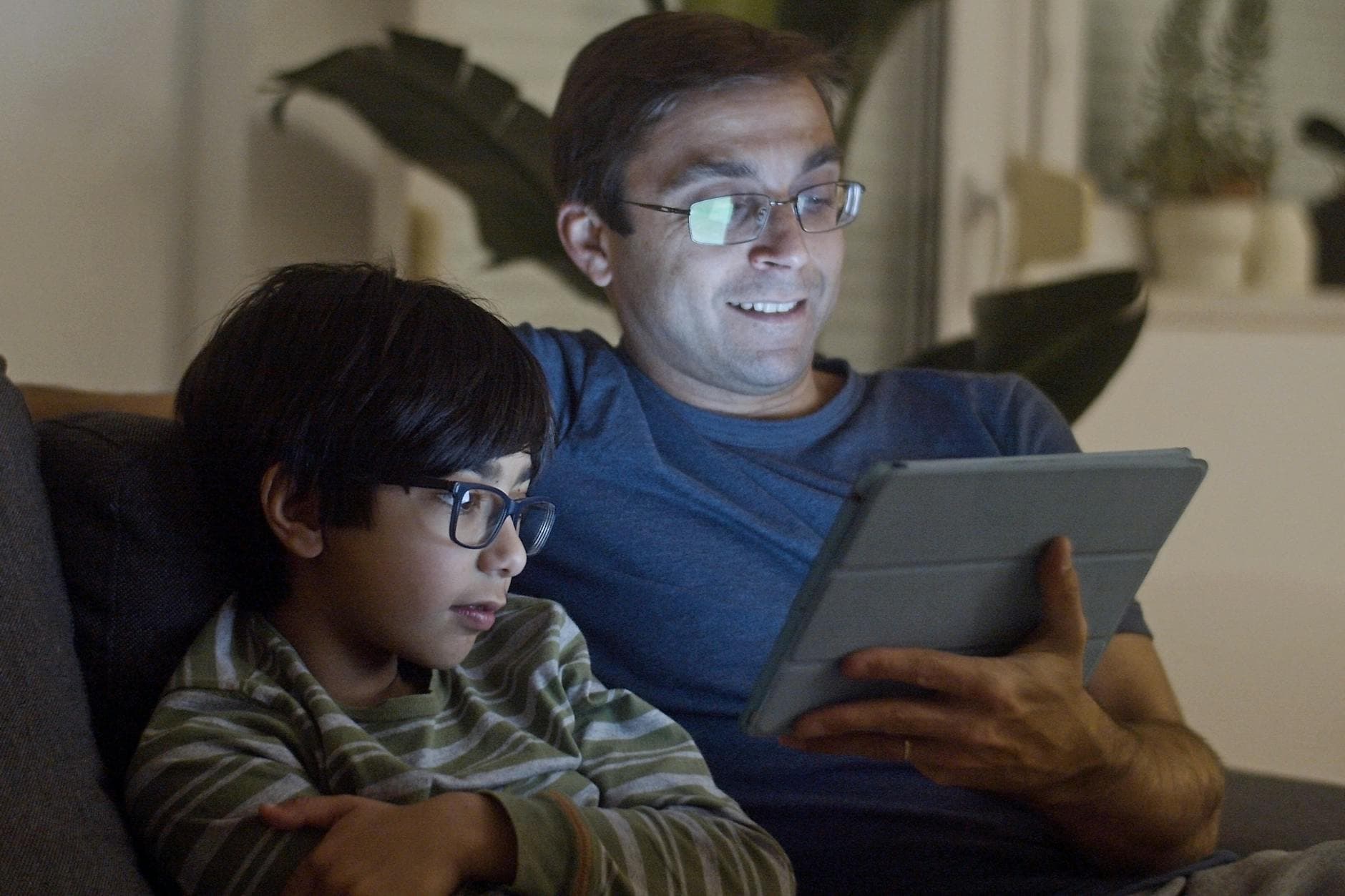
AI use should always happen with a parent present. Keep sessions short (10-15 minutes). Focus on fun, low-stakes interactions: asking questions, looking at responses together, talking about what the AI said. This isn't the age for independent AI use.
Ages 8-10: Guided Independence
Kids can start using AI tools more actively, but you should still be nearby and checking in. Set clear rules about what tools they can use and when. Review what they're doing periodically. This is the ideal age for structured activities where the parent and child work through something together.
Ages 11-14: Boundaries With Trust
By this age, many kids are using AI for school whether you've authorized it or not. The goal shifts from supervision to education. Make sure they understand how AI works, why it makes mistakes, and what responsible use looks like. Have regular conversations about their AI use, not as surveillance, but as genuine interest.
For a detailed breakdown, see our age-by-age guide to AI supervision.
A Quick Safety Audit for Your Family
Run through these questions to see where you stand:
- Does your child know that AI can be wrong? If not, that's conversation number one.
- Are you present when younger kids use AI? If your child is under 10 and using AI alone, change that today.
- Does your child know not to share personal information with AI? This includes names, locations, school info, and photos.
- Do you have family rules about AI use? If not, our Family AI Rules template gives you a starting point you can set up tonight.
- Does your child know what to do if AI produces something weird? They should know it's okay to close it, it's not their fault, and they can always tell you.
If you answered "no" to any of these, you have a clear action item. None of them take more than a few minutes to address.
Frequently Asked Questions
Should I let my 7-year-old use ChatGPT?
With you sitting next to them, sure. It can be a fun way to explore questions together. Alone? No. ChatGPT wasn't designed for kids and doesn't have built-in parental controls. Use it as a shared activity.
What about AI tools specifically designed for kids?
They exist and they're worth looking at. Tools like Khanmigo (from Khan Academy) are designed with educational guardrails. But even kid-specific tools aren't a substitute for parental involvement and teaching critical thinking about AI output.
My kid uses AI for homework. Should I stop them?
Not necessarily, but make sure they're using it as a learning tool, not a shortcut. Using AI to brainstorm ideas, check their work, or explore a topic more deeply is productive. Having AI write their essay for them is not. The line matters, and it's worth having a direct conversation about it.
Is AI more dangerous than social media for kids?
Different risks. Social media's primary risks are social comparison, addiction, and exposure to harmful content from other humans. AI's primary risks are misinformation, over-reliance, and privacy. Both require parental awareness and boundaries. Neither requires panic.
The Bottom Line
AI isn't inherently dangerous for kids, and it isn't inherently safe. It's a powerful tool that requires context, boundaries, and ongoing conversation, just like the internet, social media, and every other technology your family already navigates.
The parents who handle this best aren't the ones who ban AI or the ones who ignore it. They're the ones who sit down with their kids, use it together, and talk about what they see. That's the whole Big Thinkers approach: learn together, use AI as a tool, and build real skills along the way.
Try a free activity together and see what it looks like in practice.
Everything parents need to know about AI education for kids. What to teach, how to start, and hands-on activities you can do together this week.